Automated Email & SMS Communications for Sports Schools
Meet your new "Robot Admin". It chases late payments, sends birthday wishes, and re-activates lost students—so you don't have to lifting a finger.
The 3 Pillars of Martial Arts Business Automation
Don't just send newsletters. Set up triggers that drive revenue.
Payment Recovery
When a card fails, the system instantly emails the parent with a secure link to update their details. It retries automatically until paid.
Birthday Engine
Every student gets a personalized "Happy Birthday" email from the Head Instructor on their special day. It builds massive loyalty.
Ghost Protocol
Student hasn't attended in 3 weeks? The system automatically checks in with them to see if they're okay, preventing dropouts.
Urgent Broadcasts (SMS)
Heavy rain flooded the dojo? Instructor sick? Send an instant SMS blast to everyone enrolled in tonight's 5pm class.
- 98% Open Rates
- Filter by Class or Rank
- Send from Mobile App
"Hey Team! Heads up, the AC is broken so it's going to be a hot one tonight. Please bring extra water! - Sensei Dave"
Reach Exactly the Right People
Tag your members, text them, template your emails. Every message lands with the people it was meant for—and nobody else.
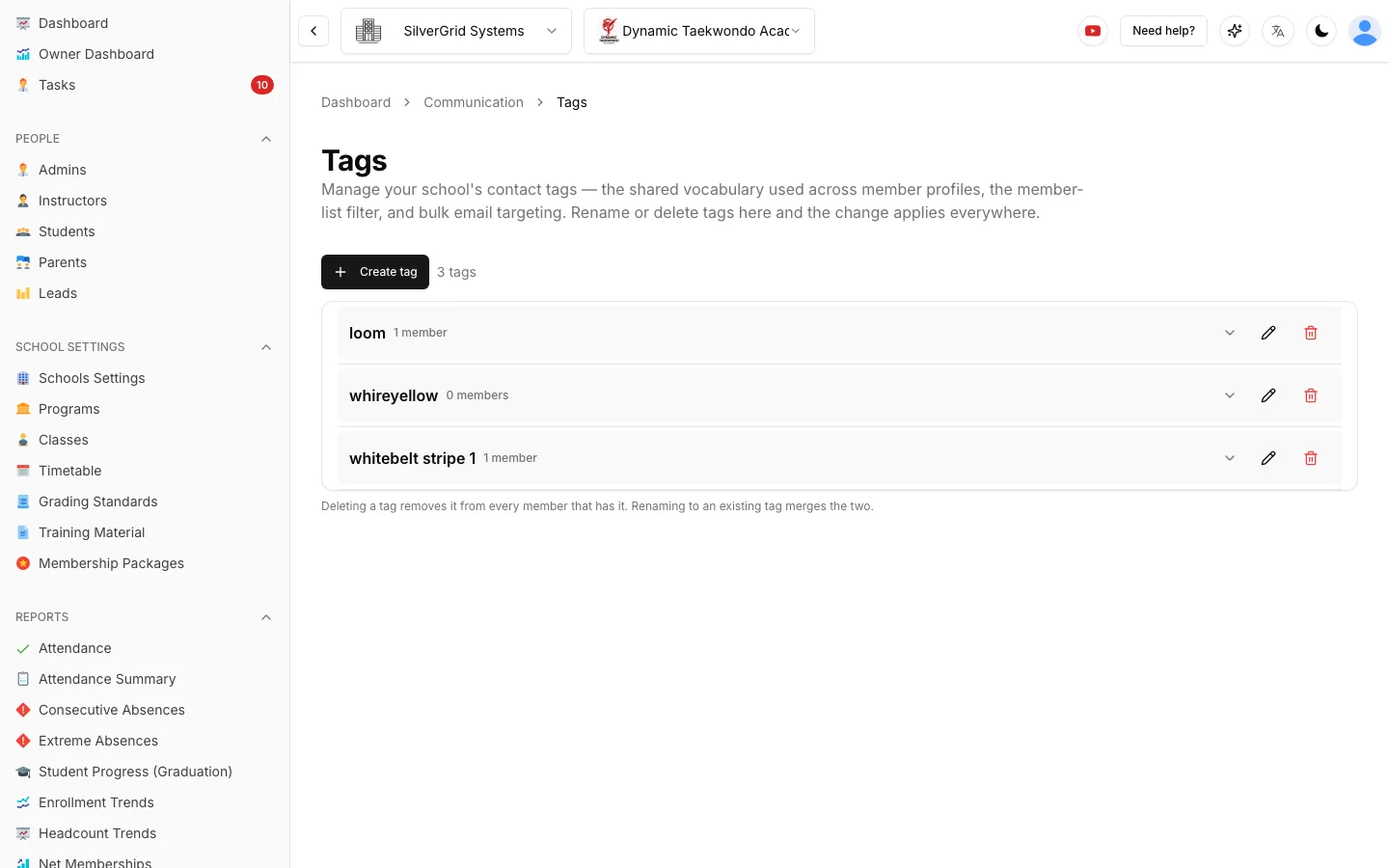
Tag Your Members, Then Email by Tag
Add free-form tags like "camp registered", "vip" or "trial" to any profile. Tags are shared across your school, suggested as you type, and shown with a live member count.
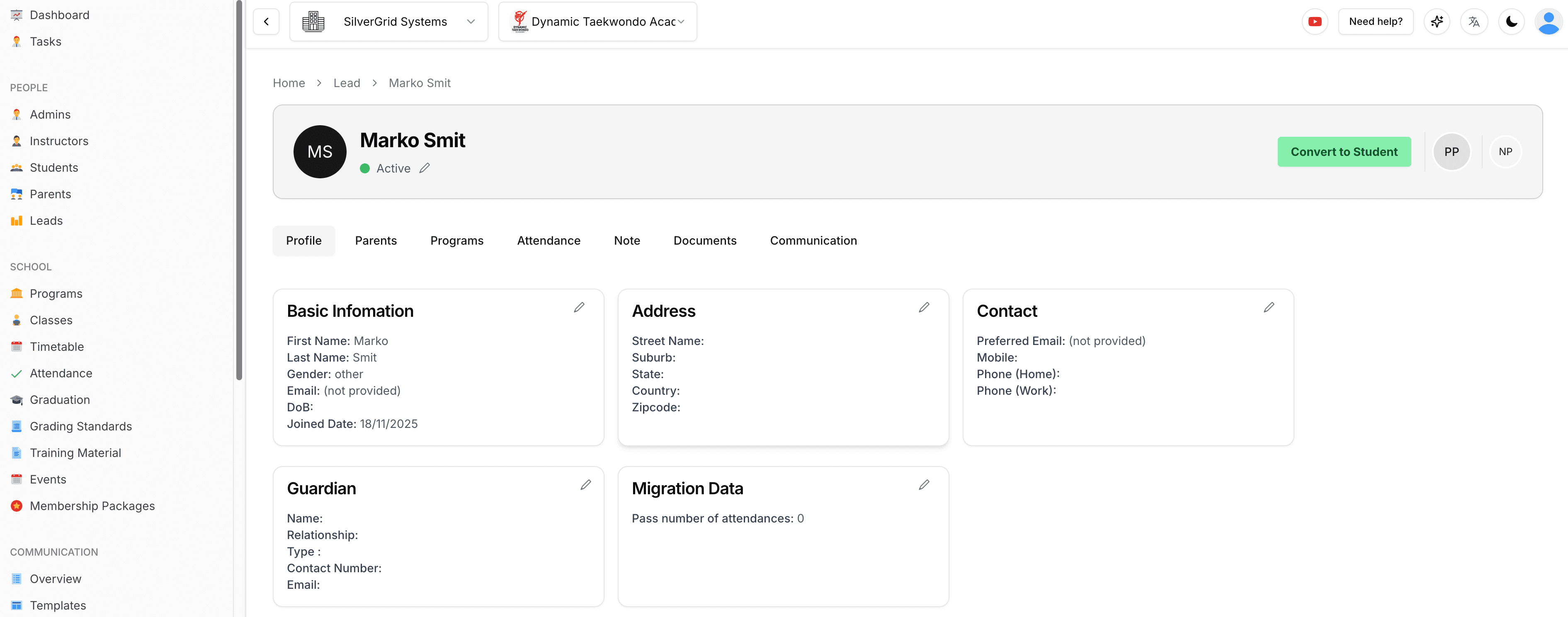
- Filter the member list by tag to find everyone on the camp roster in one click.
- Target bulk emails by tag—email everyone tagged "camp registered" without building a list by hand.
- Filter by several membership packages at once—tick Bronze and Silver (or "No Membership") and reach students on any of them.
- Per-parent email preference—each parent link has a "Receives bulk emails" setting, so opted-out parents are skipped by bulk sends and automatic notifications.
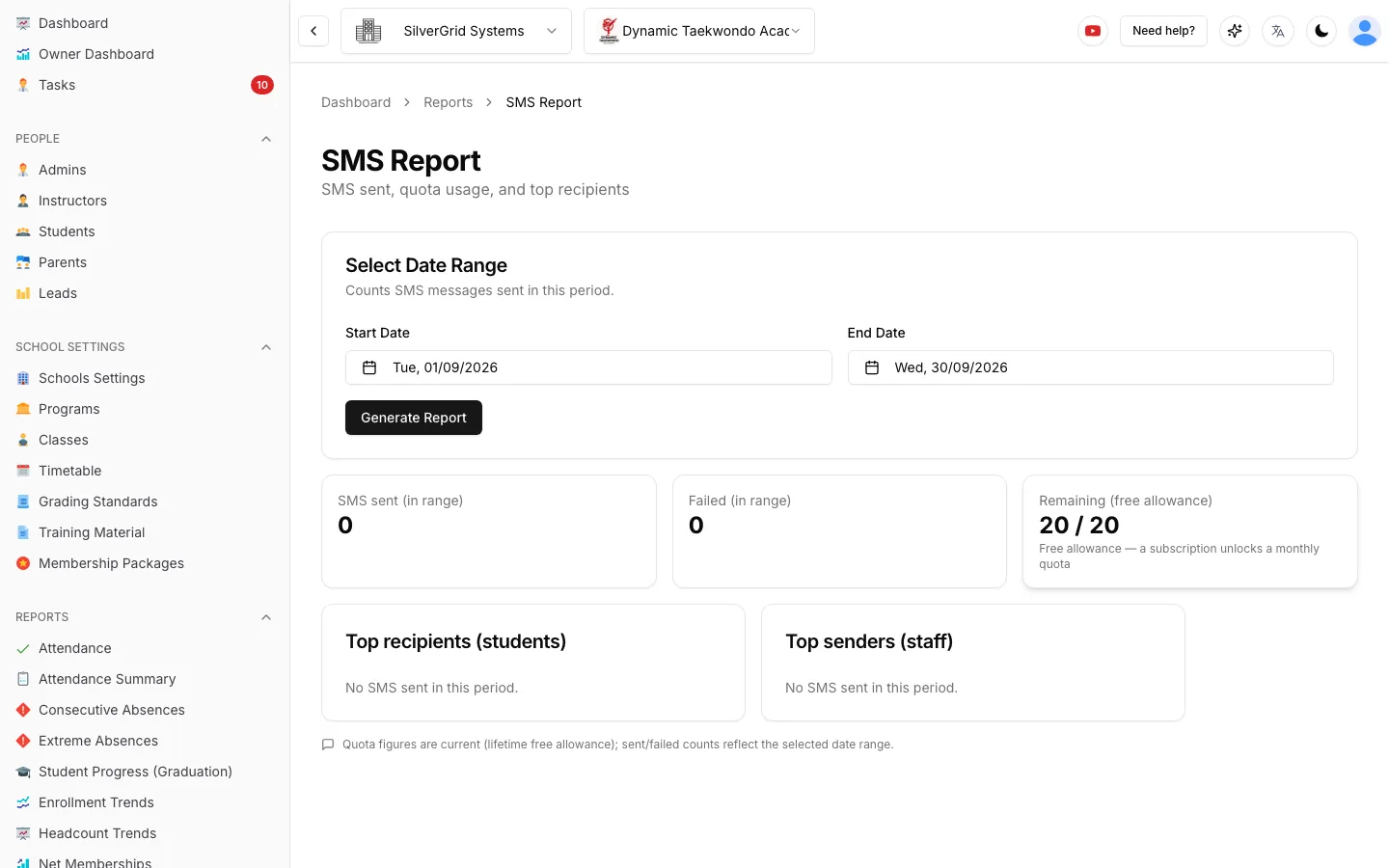
Text One Member. Track Every Message.
Open a member's Communication page, click Send SMS, type, send. Longer texts are split into segments and counted live as you type, so you always know what you're spending.
- SMS Report—who each text went to, when, the message itself, segments used, failed sends and your remaining monthly allowance.
- Click-to-call—mobile, home, work and guardian numbers on a profile are clickable and dial through your default calling app.
- Legal documents by SMS—when sending a waiver or agreement link, tick exactly the channels you want: student email, student SMS, parent email, parent SMS.
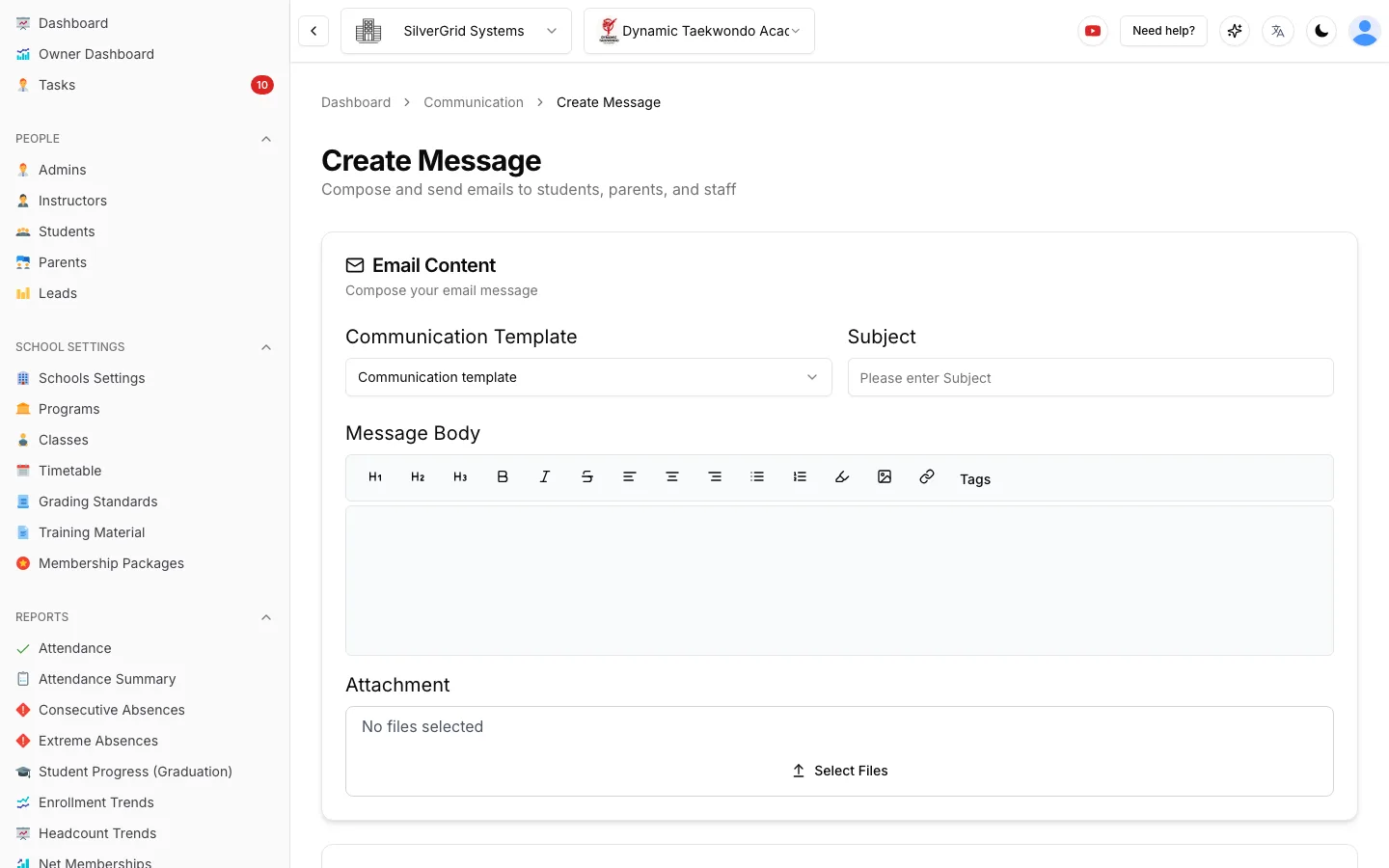
Templates, Placeholders, CC & BCC
Pick a communication template, drop in placeholders like the student's first name or next payment date, attach files, and send. No copy-pasting from a Word doc.
- CC and BCC on individual emails—add comma-separated addresses from any profile. They go on the main email only, never repeated on parent copies, and stay in the message history.
- New-registration alert to the school—the moment someone registers you get an email saying who joined, which students, and that a staff task is waiting.
- Every send is logged—emails and texts appear in the member's communication history and Activity Log.
Receipts Out. Reminders Out. Awkward Chats Gone.
The two money emails every school sends by hand—now they send themselves, from your school's own email address.
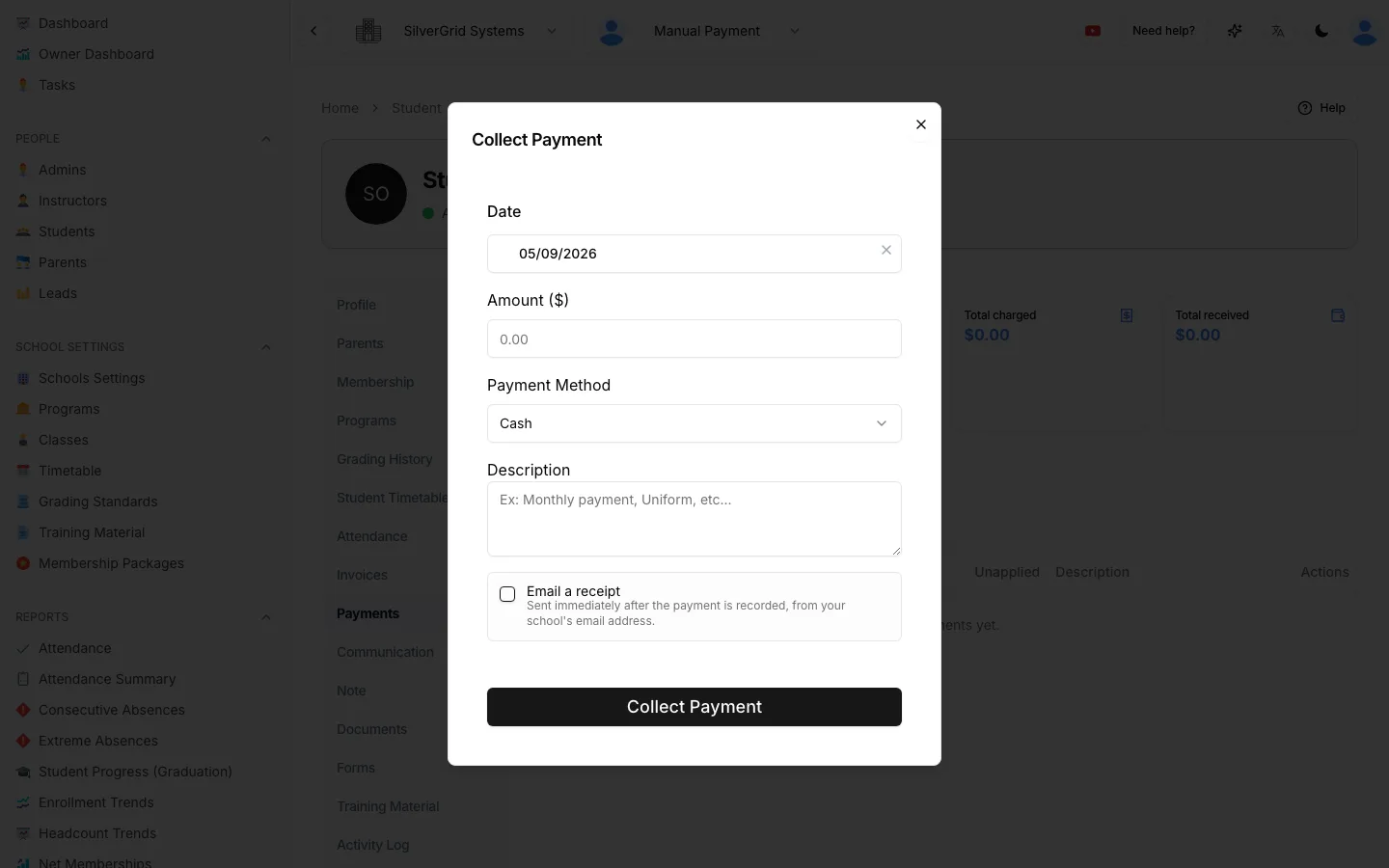
Payment Receipts by Email
Tick "Email a receipt" in Collect Payment, choose the student and/or parents, and the receipt—amount, date, method, description—goes out the second the payment is recorded. Forgot? Every past payment on the Payments tab can re-send its receipt.
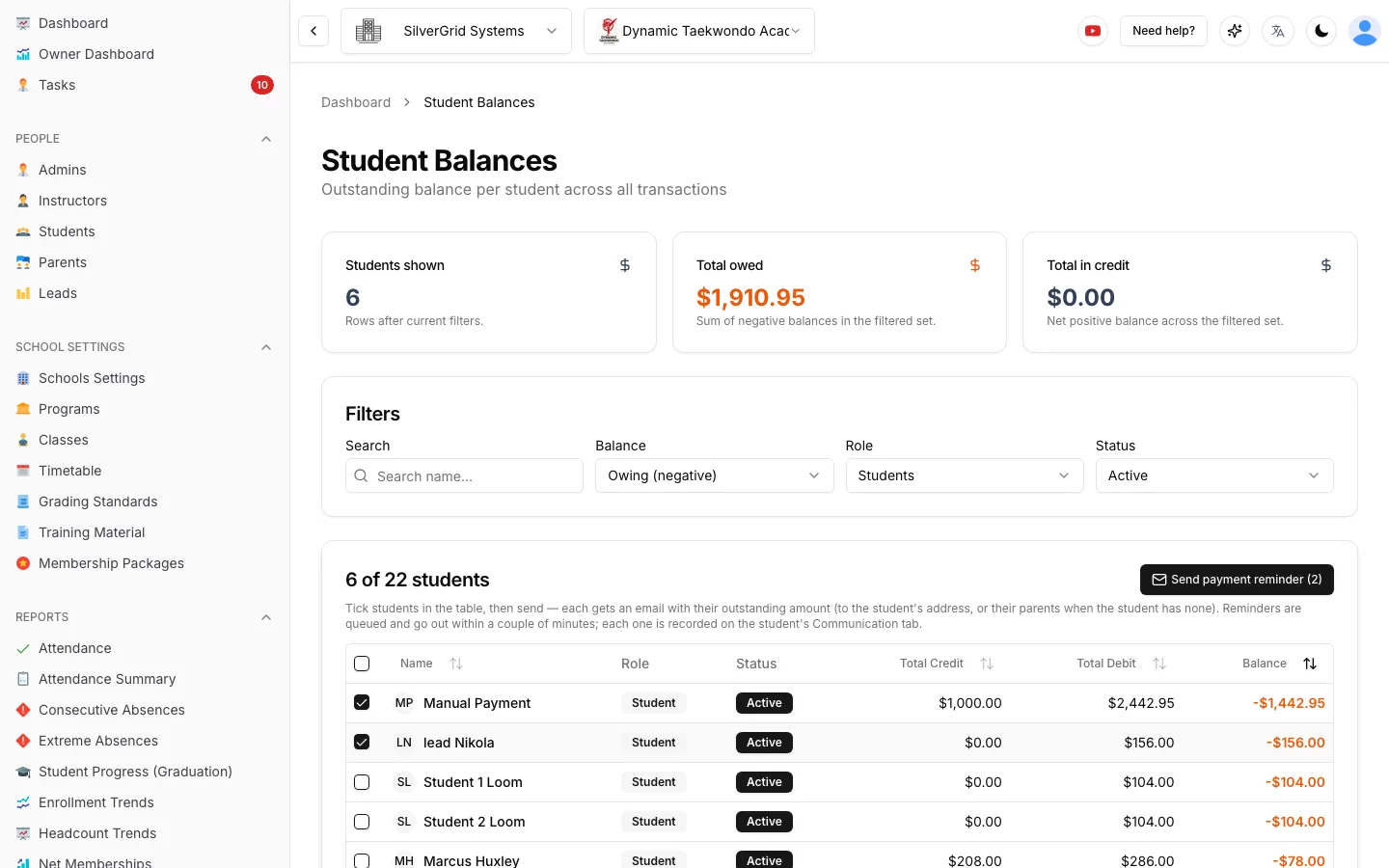
Payment Reminders from Student Balances
Open Student Balances, tick everyone who owes, press "Send payment reminder". Each person gets an email showing their own outstanding amount—delivered to the student, or to their parents when the student has no email. Balances are re-checked at send time so nobody who just paid gets nagged.
From the Help Center
Step-by-step guides with screenshots, written for school owners and admins.
- StudentsCheck-in notes: pop up a reminder when a student checks inFlag a note to appear on staff screens the moment a student arrives.(opens in a new tab)
- CompanyHow to add an adminInvite a school admin and choose what they can see and do.(opens in a new tab)
Automate Your School's Admin Tasks Today
It never sleeps, never complains, and costs less than a coffee a day.